
87 Followers! WooHoo!

87 Followers! WooHoo!
So excited we reached 10,000 views. In appreciation I’ll be giving away 10,000 gold to ONE lucky follower. All you have to do is comment the word “enter”. ( please only type the word enter in your entry,so I dont have to read to find it, lol ) below. You may only enter Once!!!!!! Giveaway ends 10 pm Fantage time tonight. Reblog if you can!
As requested by min11s14 I’ll show everybody how I make gifs. Gifs are a set of pictures that are saved as a files, and flick through in a loop.
There are many ways to make gifs, but a lot of them require downloading software to do it. But honestly I couldn’t be bothered with that, so I’m going to use a website.
Step 1. Decide whether you’re going to use a video or pictures for your gif
Step 2. Video: Record a video of what you want your gif to be. Make sure it’s short, otherwise it will take a long time to upload your gif.
Pictures: Take screenshots or collect photos of that you want to be in the gif.
Step 3. Video: Go to http://ezgif.com/video-to-gif Click “Choose File” and select the short video you recorded. Now click the blue button “Upload”. You may have to wait a while now.
Picture: Go to http://ezgif.com/maker Click “Choose Files” and choose your photos for the gif. Now click the blue button “Upload”. Depending on how many pictures you’re using you have to wait a minute for them to upload. Tip: To select multiple photos hold Ctrl(Cmd on Mac) and click the photo you want to add.
Step 4. Video: Choose from what time in the video you want your gif to start and end. You can watch your video to see the time at which you might want it to start and end. Don’t worry about the other settings, click the blue “Convert to Gif” button.
Picture: Drag and drop the photos into the order you want them to show in the gif. Click the blue “Animate It” button. If the pictures are flicking too fast or slow, change the number in the “delay time” box.
Step 5. Save your gif or click one of the options below the gif to modify it in other ways.
Done!!! Did I forget anything? I know this can be complicated, feel free to leave a comment and I’ll try to help you.
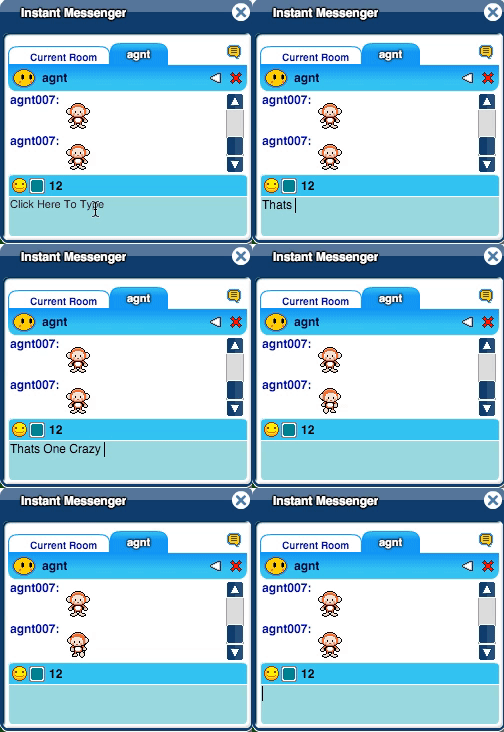
Another one of those popular old secrets, which have now been mostly forgotten. If you’re in an instant message chat with someone type in:
Thats One Crazy Monkey
And it will send that person a dancing monkey!

This weeks Featured Fantagian is Sammydew2! She is a prominent Fantage Youtuber who makes Fantage Music Videos (FMVs). She currently has over 680 subscribers, and almost 25000 total views on her videos. I really liked her dedication to doing FMVs and the styles she uses in them. Sammy’s other social media includes her Deviant Art and Instagram. Below is her most recent video which is a Valentine’s Day FMV.
http://www.youtube.com/watch?v=3tt4vwJ76C8 Continue reading “Featured Fantagian: Sammydew2”

Let’s check out the new Le Shop items:


Stellar salon items:


Board shop items:

Comment below, your thoughts on this new collection.


While I’ve known about SWF’s for a long time, I’ve recently found a very old post on Fantage Forum with more Fantage resources. Get HYPED editors and item pack makers. You can get official already clear .png’s of Fantage clothes, accessories, moodies and more with ALL of the movements (wave, cry, etc.). I’ll tell you how to find them after the “continue reading” jump.
 Continue reading “SWFs Part 2”
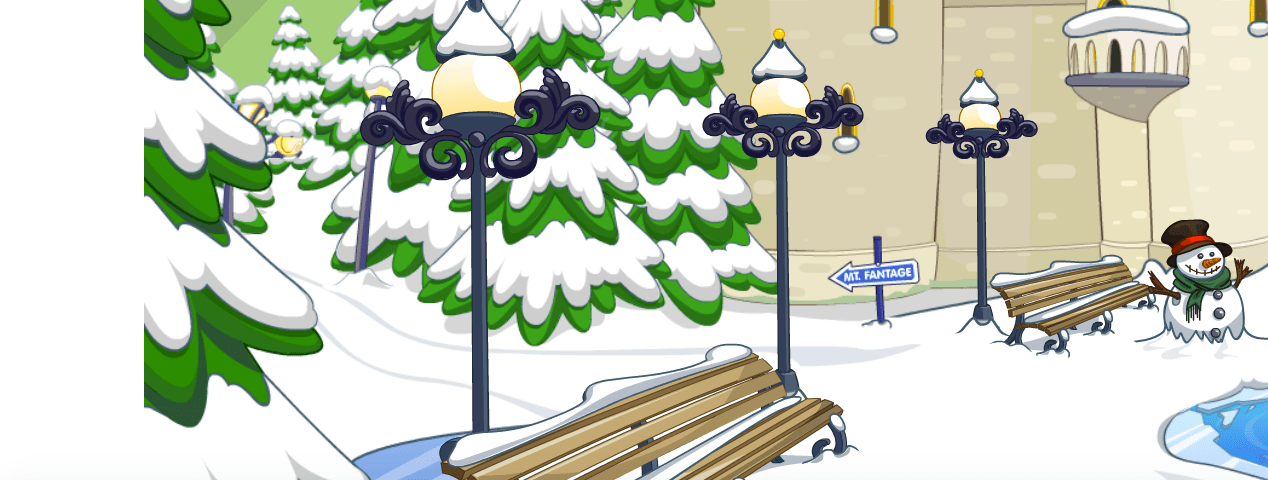
This isn’t strictly a throwback, but more a forgotten feature. But hell, it’s our blog we’ll call it what we want. Fantage SWF’s (Small Web Files) are elements used to run Fantage through Flash Player. These SWF’s contain vector image animations, and sometimes videos. You can find more of these if you google “site:fantage.com/r1/” but there’s not a lot more interesting things.
Many of these links (not all) have been sourced from these old forgotten blogs:
https://fantageveterans.wordpress.com/fantage-swfs/
https://fantageghost.wordpress.com/fantage-swfs/
Read on for the list of SWF’s we’ve compiled.
Continue reading “Fantage Throwbacks: SWF’s”
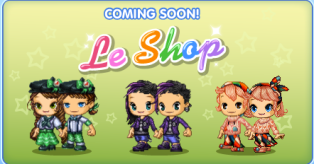
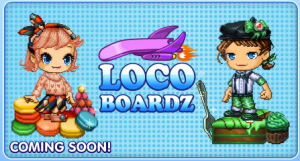
Fantage is releasing new items in Le Shop, Stella Salon, and Loco Boardz. I’ve noticed the items have a seemingly St. Patrick’s Day(Coming 17th March) and Candy theme. Nevertheless I’m excited for them.



 Fantagian